CROWMA Work Order System

Work orders your crew will actually use.

Schedule set-ups, repairs and daily upkeep for your venue. Your crew checks off tasks on their phones, and the office sees it right away.

Works in any phone's web browser. Nothing to install.

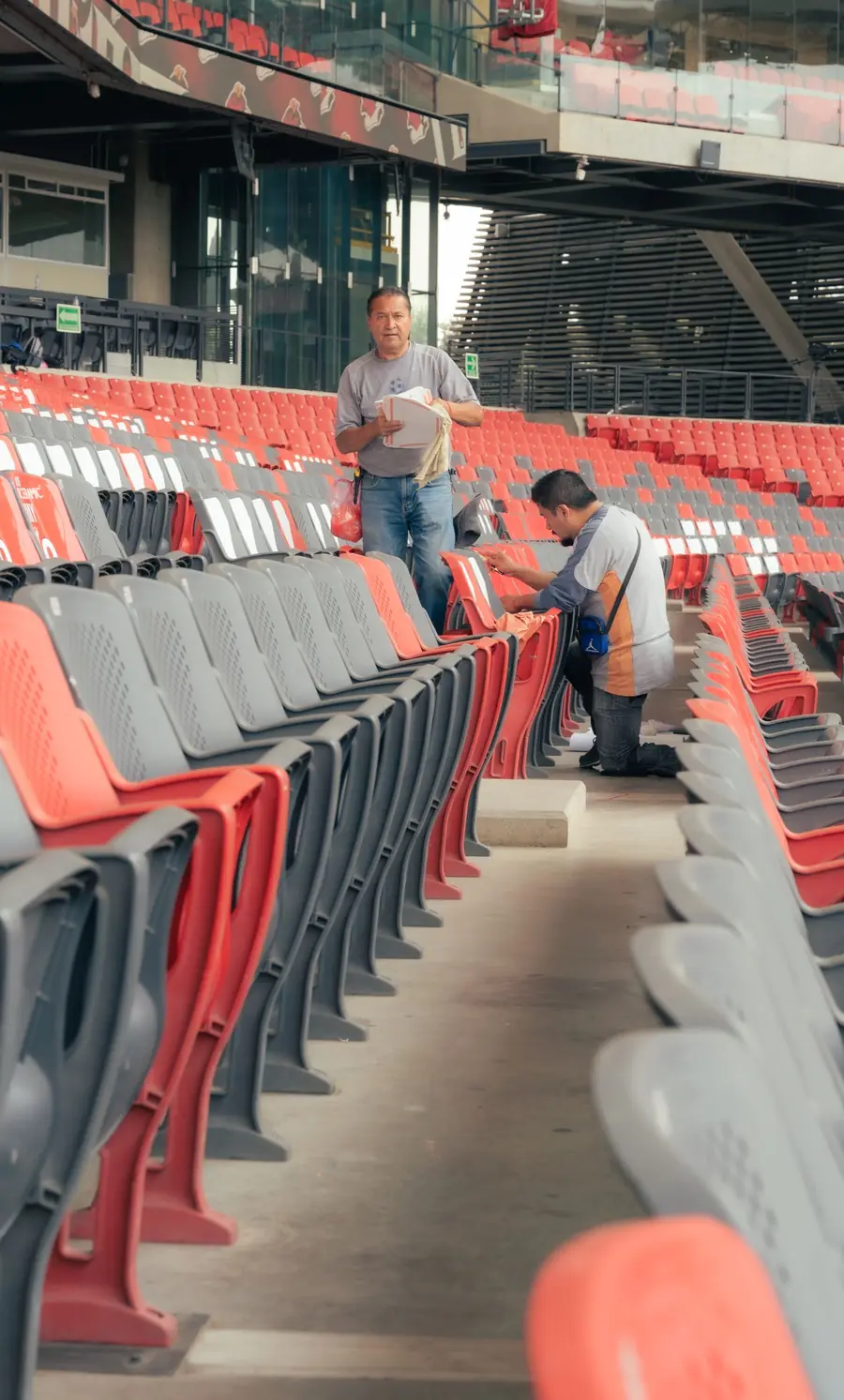
Two workers cleaning rows of stadium seats
Exhibit Building Craft fair set-up
  • 80 8-ft tables in vendor rowsMarcus · 1:12 pm
  • 160 folding chairsMarcus · 1:40 pm
  • Restock restroomsProblem: paper towel dispenser broken
  • Put out directional signsTina · 2:05 pm
Sent to Maintenance as a high-priority repair

Made for the small teams that keep venues running

Fairgrounds, event centers, parks, campuses, churches and community halls. If your crew sets up rooms, fixes things and keeps the grounds tidy, this is built for that work.

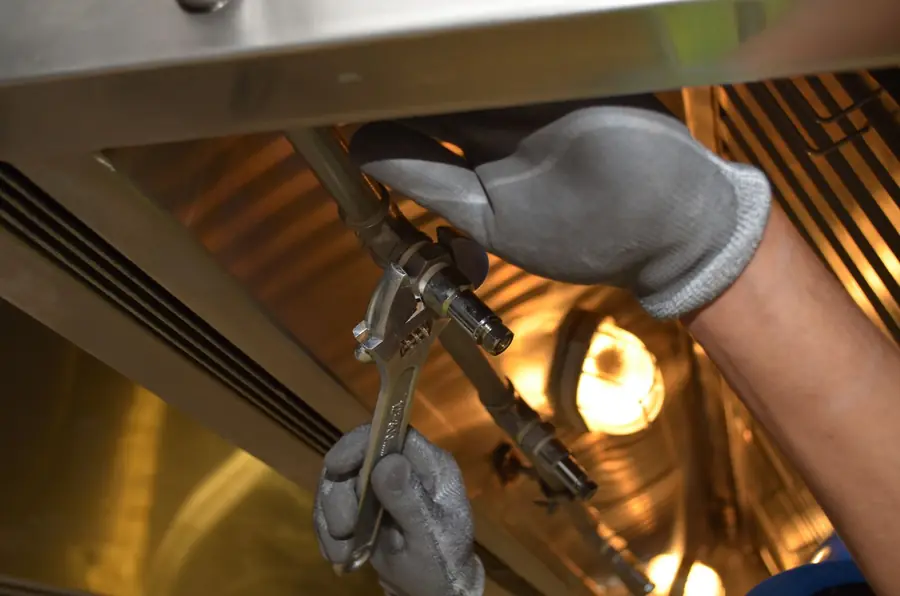
Hands tightening a fitting with a wrench
Repairs and broken things
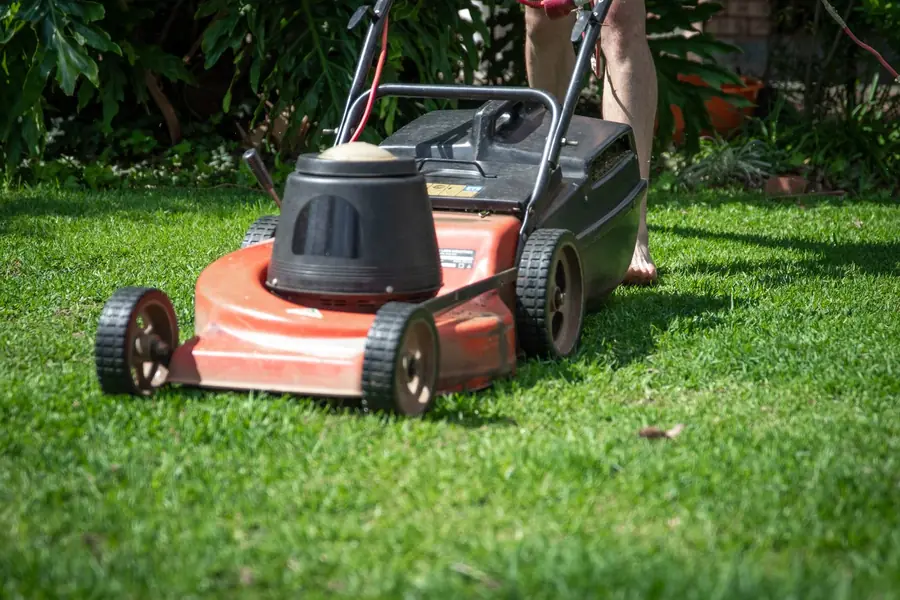
A lawn mower on freshly cut grass
Grounds and mowing
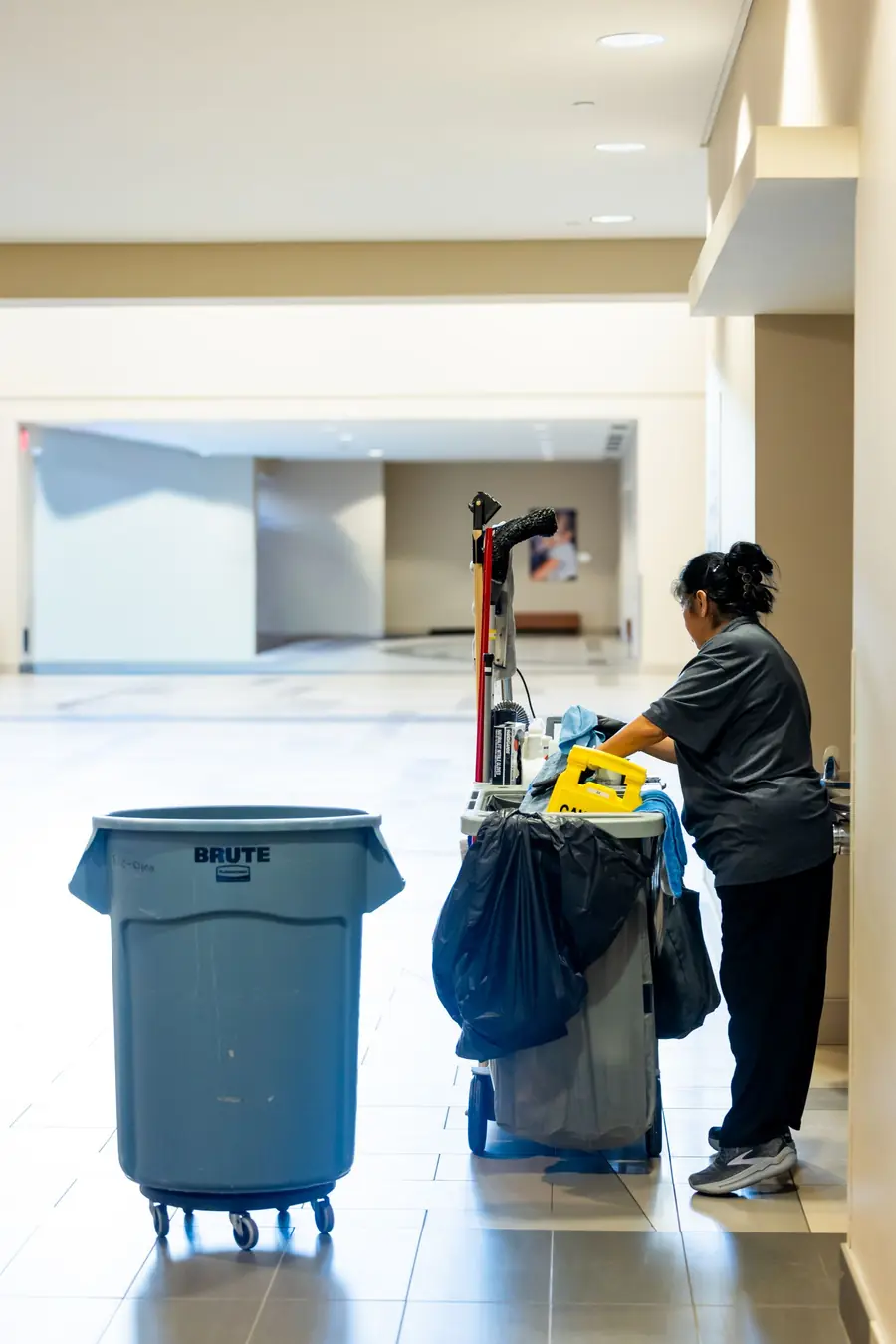
A custodian with a cleaning cart in a hallway
Cleaning and restocking
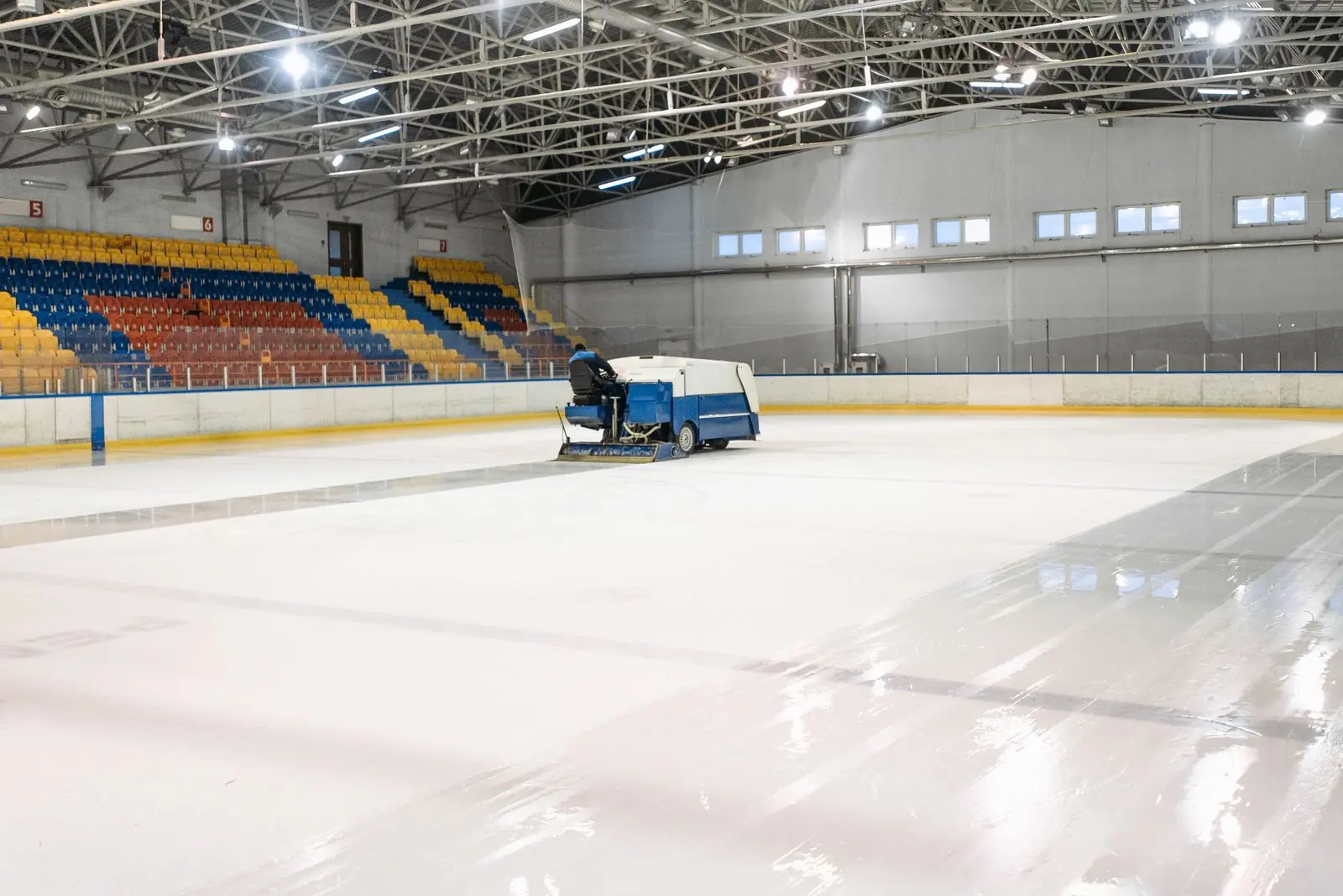
An indoor arena being resurfaced before an event
Event set-ups and tear-downs

Swap the paper sheet, the whiteboard and the group text for one place

The usual wayWith CROWMA Work Order System
This week's scheduleTyped up, printed, and out of date by TuesdayAlways current, and you can print a clean weekly sheet any time
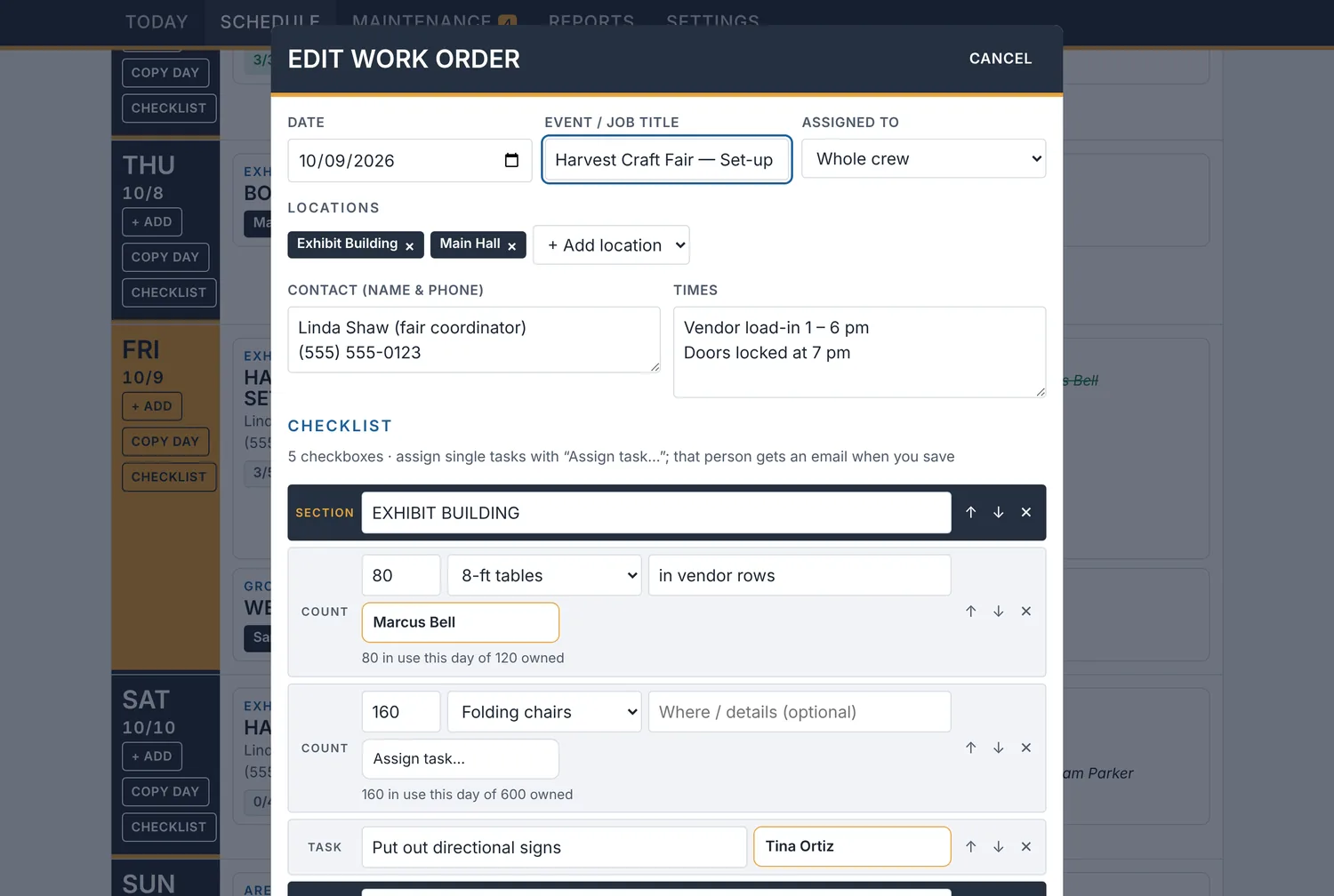
Who is doing whatShouted across the shop or lost in a text threadAssign a whole job or one task, and that person gets an email
Is it done yet?Walk over and lookCheck marks show up on the office screen within seconds, with who and when
Broken thingsSticky notes and someone's memoryAnyone can report it with a photo, and it stays open until it is fixed
What we did last yearDig through old bindersSearch every past work order by event, room or task

Plan the whole week in one view

The office lays out every event, set-up and job by day, with times, contacts and a checklist for each one.

  • Copy a day or a whole week when events repeat
  • Save templates for the events you run often
  • Set jobs to repeat daily, weekly or monthly
  • Get a warning before you book more tables or chairs than you own
  • Print a weekly sheet for the shop wall
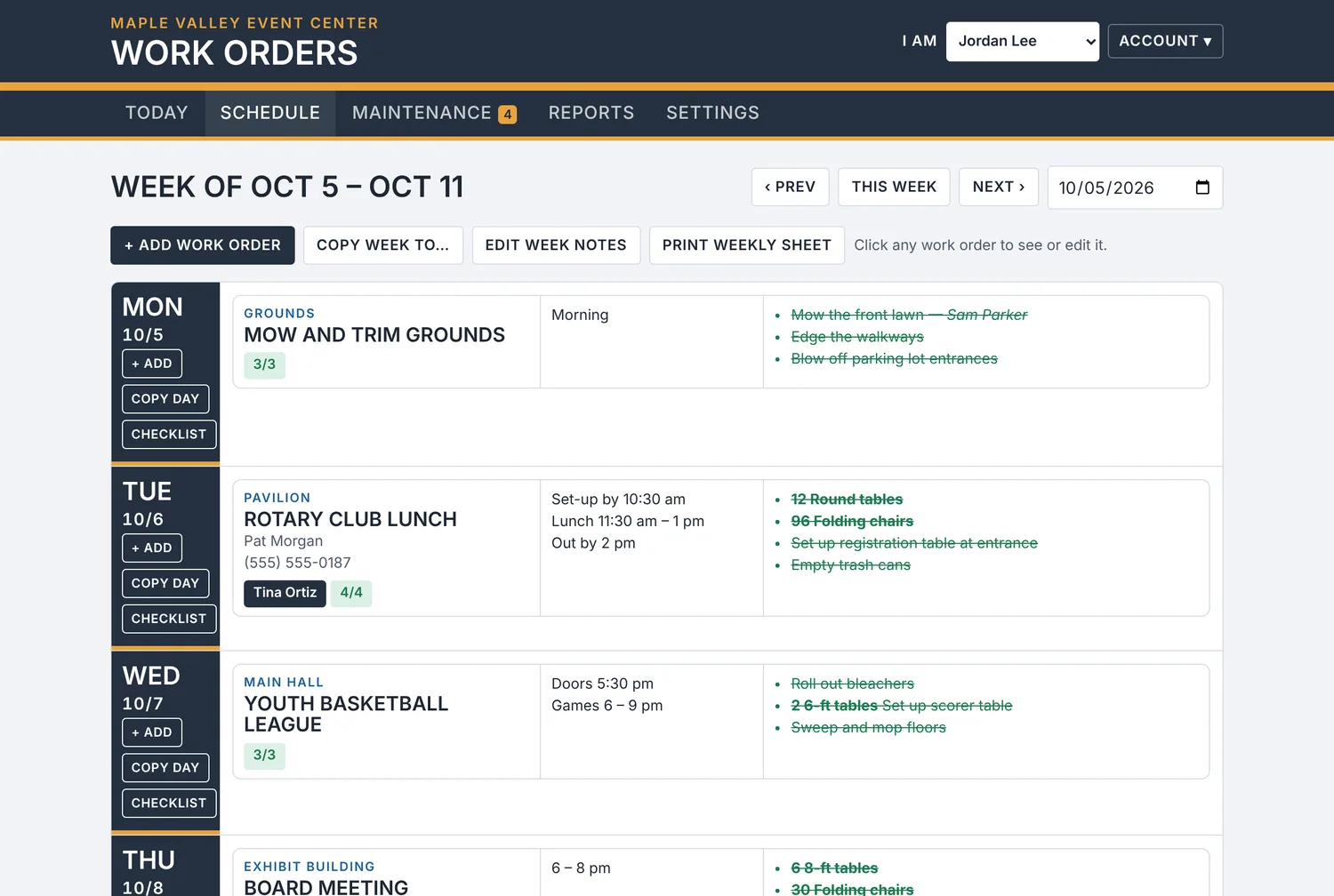
The weekly schedule showing work orders for each day

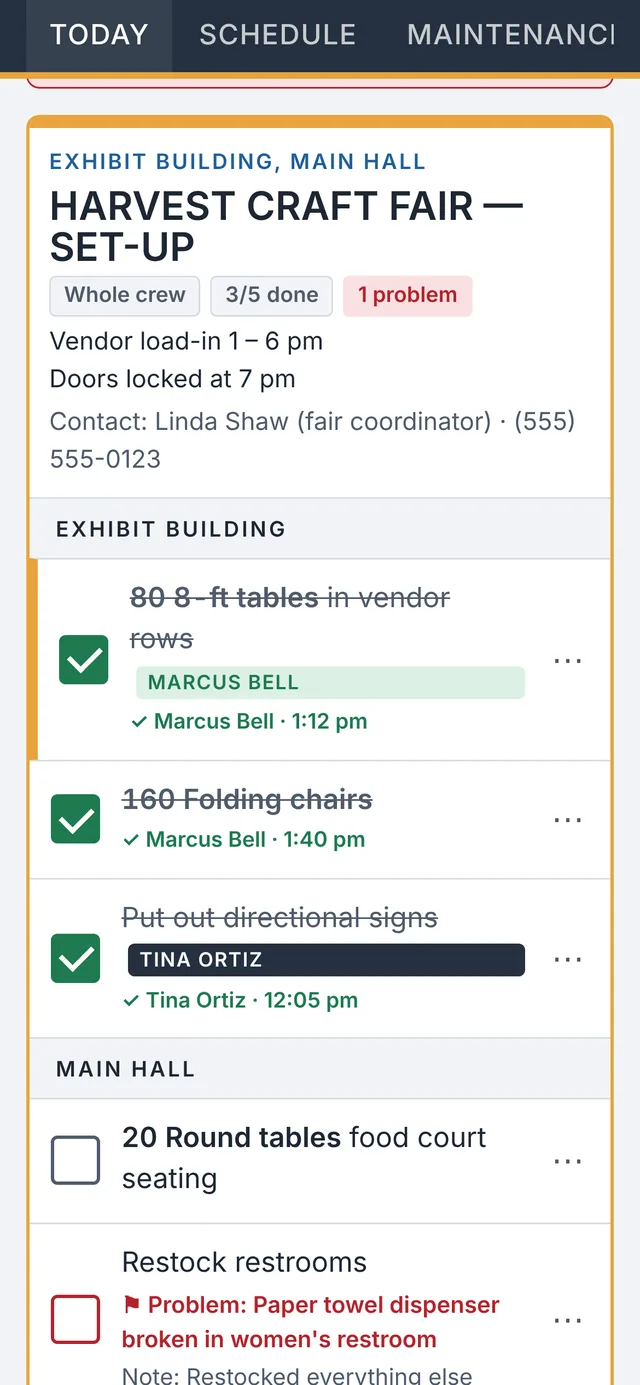
A checklist on every crew member's phone

Each person opens the app and sees today's work, with their own tasks at the top. They tap a box when a task is done.

  • Big check boxes that are easy to tap
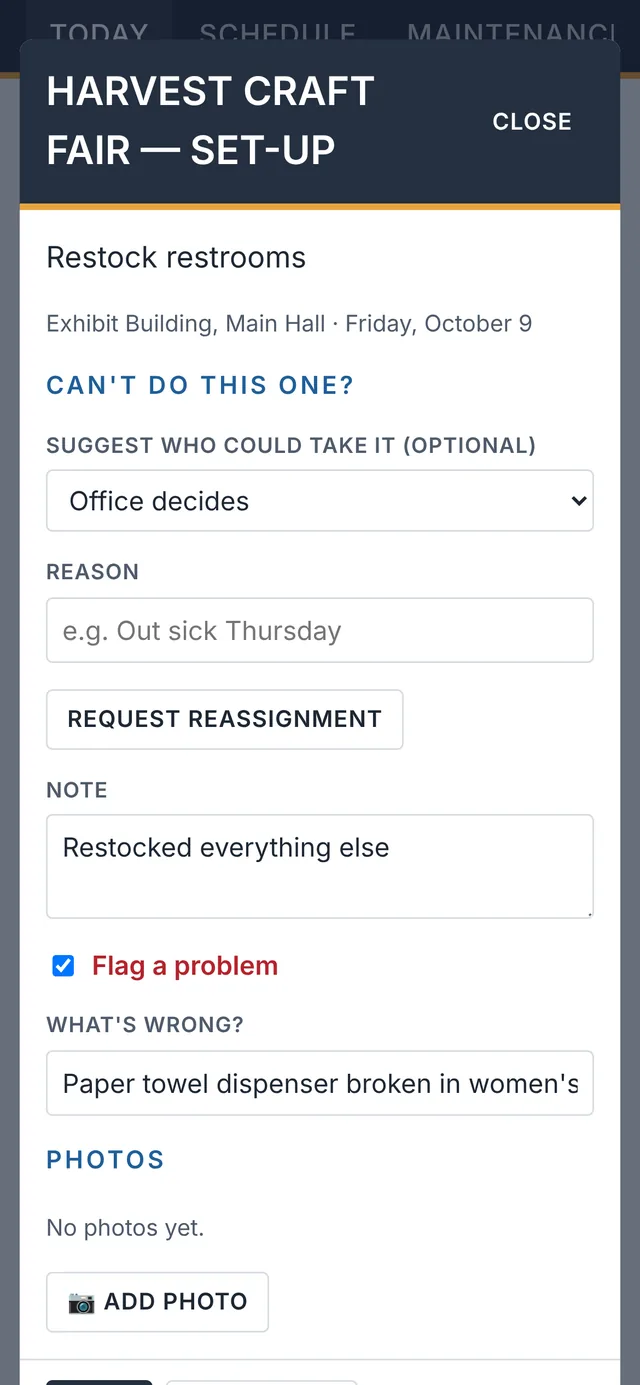
  • Add a note or a photo to any task
  • Flag a problem so the office sees it right away
  • Ask the office to hand a task to someone else
A crew member's checklist with tasks checked off
Adding a note and flagging a problem on a task

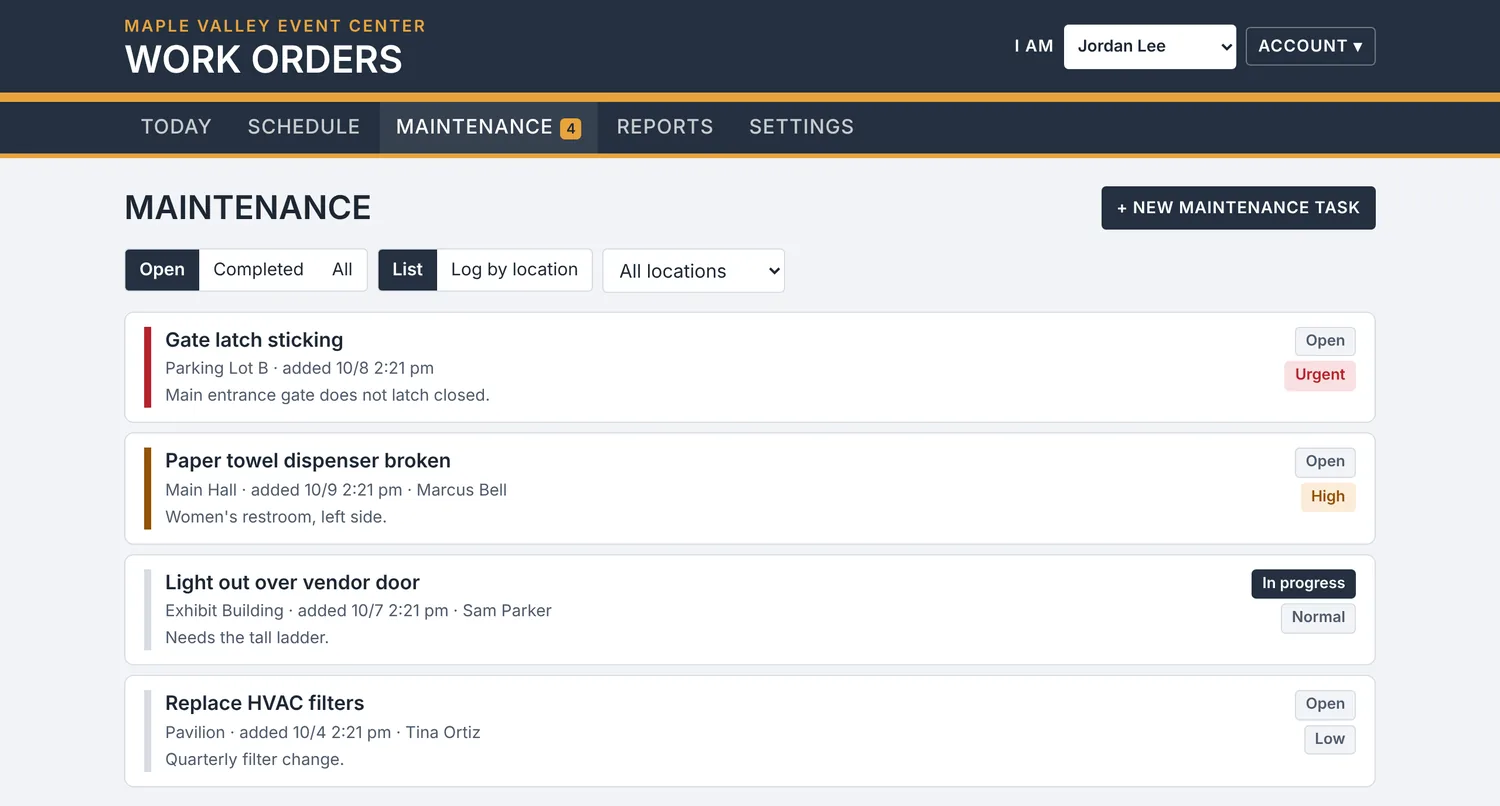
Keep track of repairs and upkeep

Not every job is tied to an event. Light out? Gate sticking? Filters due? Log it, set how urgent it is, and assign it.

  • Anyone on the crew can report something
  • Urgent items rise to the top of the list
  • Updates and photos stay with the repair
  • See the history for each building or area
The maintenance list sorted by priority

Everyone stays in the loop

Nobody has to make extra calls or send reminder texts. The system does the telling.

  • An email when work is assigned to someone
  • Next week's schedule emailed to the crew every week
  • A daily summary of what changed and who changed it
  • Bookings from your calendar turn into work orders on their own
  • Text messages too, if you want them
Editing a work order and assigning tasks to crew members

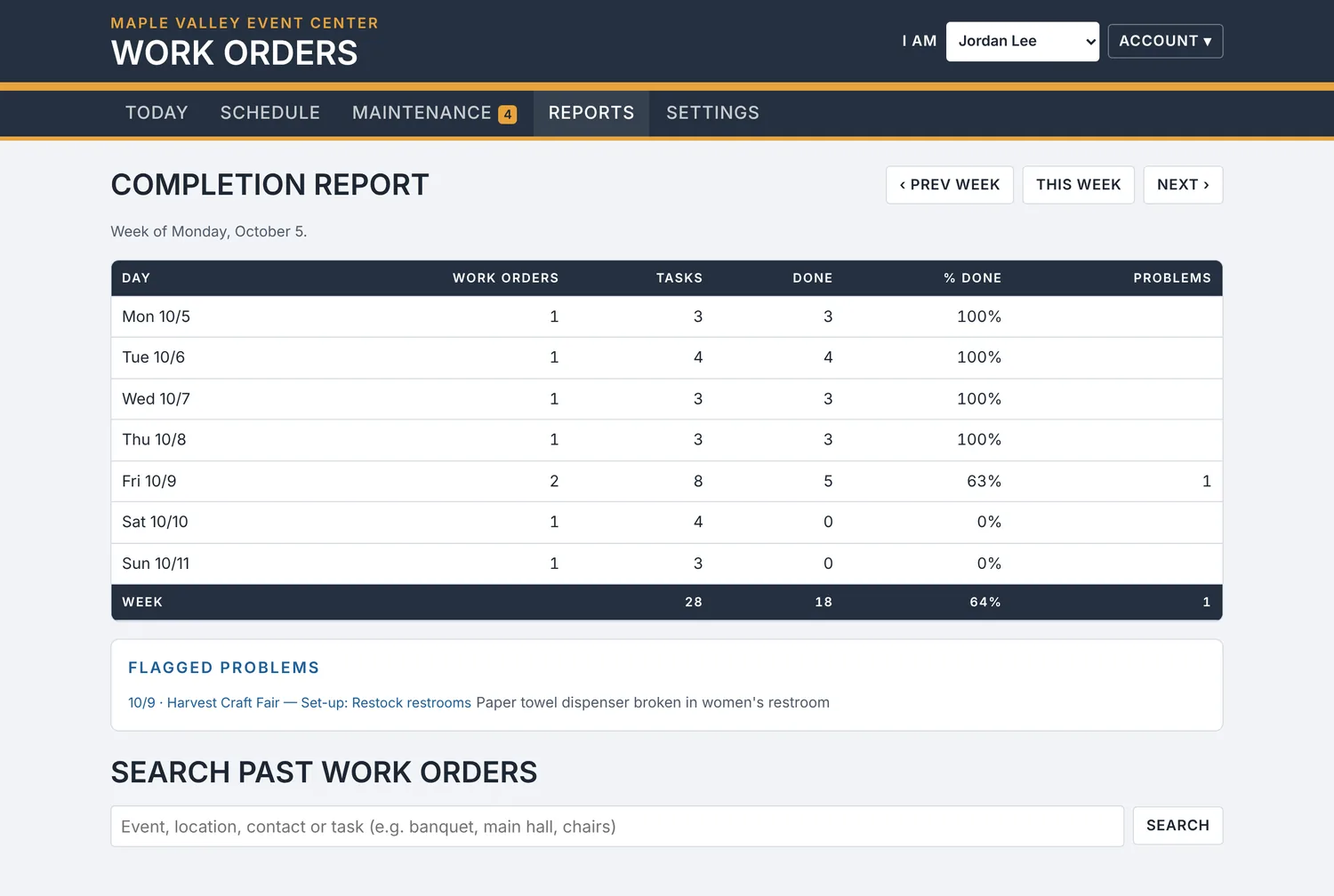
See what got done

Know at a glance how the week went, what is still open and where problems came up.

  • Completion for each day of the week
  • Every flagged problem in one list
  • Search past work orders
  • Download a full backup of your information any time
The weekly completion report

Built for organizations without an IT department

A worker checking a task list on a tablet
Runs in a web browser
Add people by email. They choose their own password and sign in from any phone, tablet or computer.
Uses the phones your crew already has
No app store, no special devices, no training day.
Ready in an afternoon
Add your buildings, the tasks you do often and your people. Then start scheduling.
Simple access levels
Owner, Office and Crew. Crew see their checklists, not your settings.
Your information stays yours
Each organization's records are kept separate, and only people you add can sign in. Download everything whenever you like.

Getting started

  1. Sign up your organization. We review each new organization and email you when yours is ready, usually within one business day.
  2. Add your places, tasks and people. Your buildings and areas, the tasks your crew does often, and everyone who needs a login.
  3. Schedule your first week. Create work orders, assign them, and watch the check marks come in.

Questions

Does my crew need to install an app?

No. They open a web address on their phone and sign in. They can add it to their home screen so it opens like an app.

What does the crew see?

Today's work orders with their own tasks first, the week's schedule, and the maintenance list. They can check off tasks, add notes and photos, flag problems and report repairs. They cannot change settings or other people's access.

We have more than one building. Does that work?

Yes. Add as many buildings and areas as you need, and pick them on each work order. Repairs can be tracked by location too.

Can it read our booking calendar?

Yes. Paste the calendar link from Google Calendar, Outlook or your booking software, and each booking shows up as a work order marked "Details needed" so you only add the checklist.

Can it send text messages?

Yes, if you want it to. You connect your own Twilio or Infobip account, and texts only go to people who agreed to get them.

What happens to our information if we stop?

You can download a complete backup of your work orders, repairs, notes and photos at any time, including before you leave.

Give your crew a better checklist this week.