What is work order software?
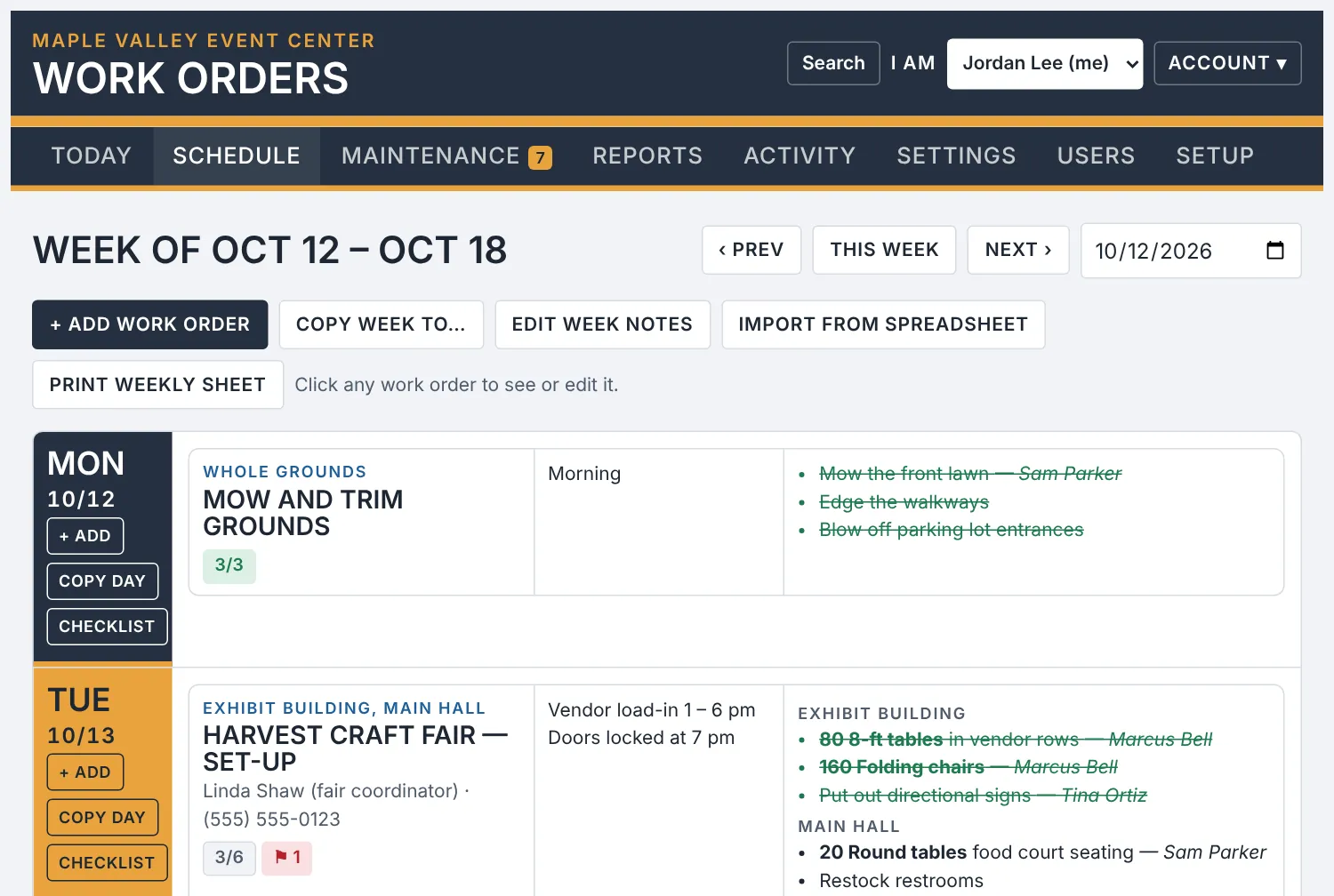
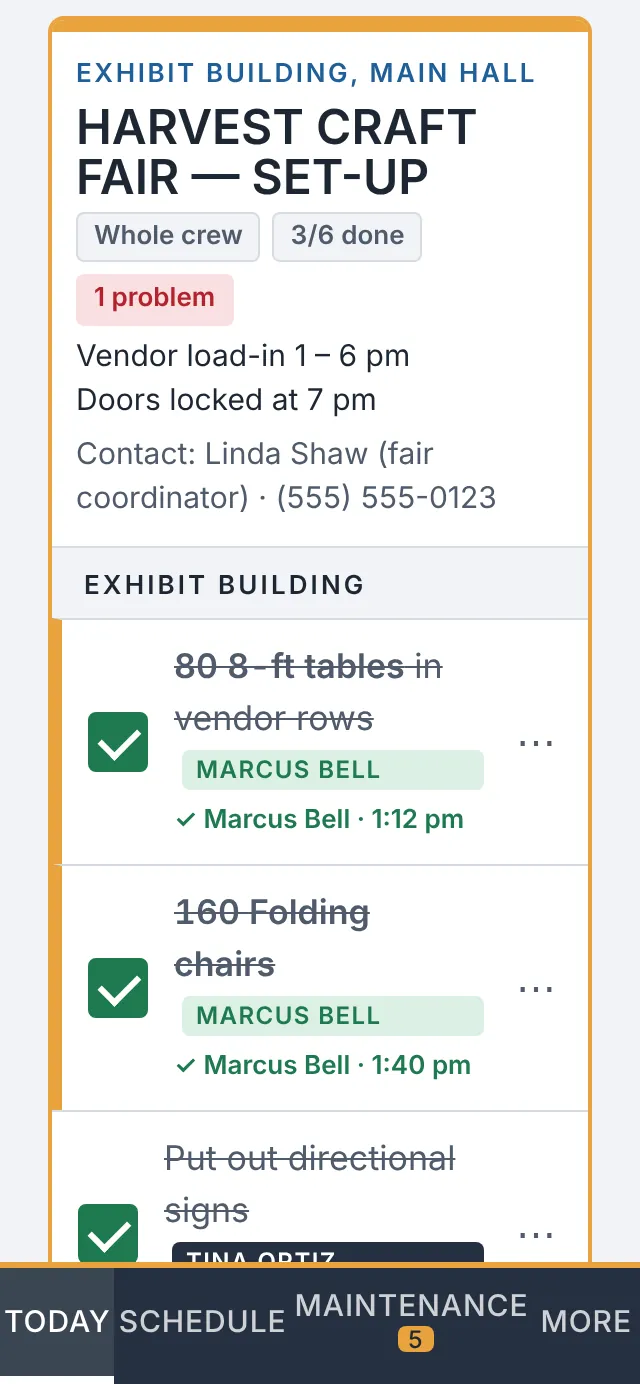
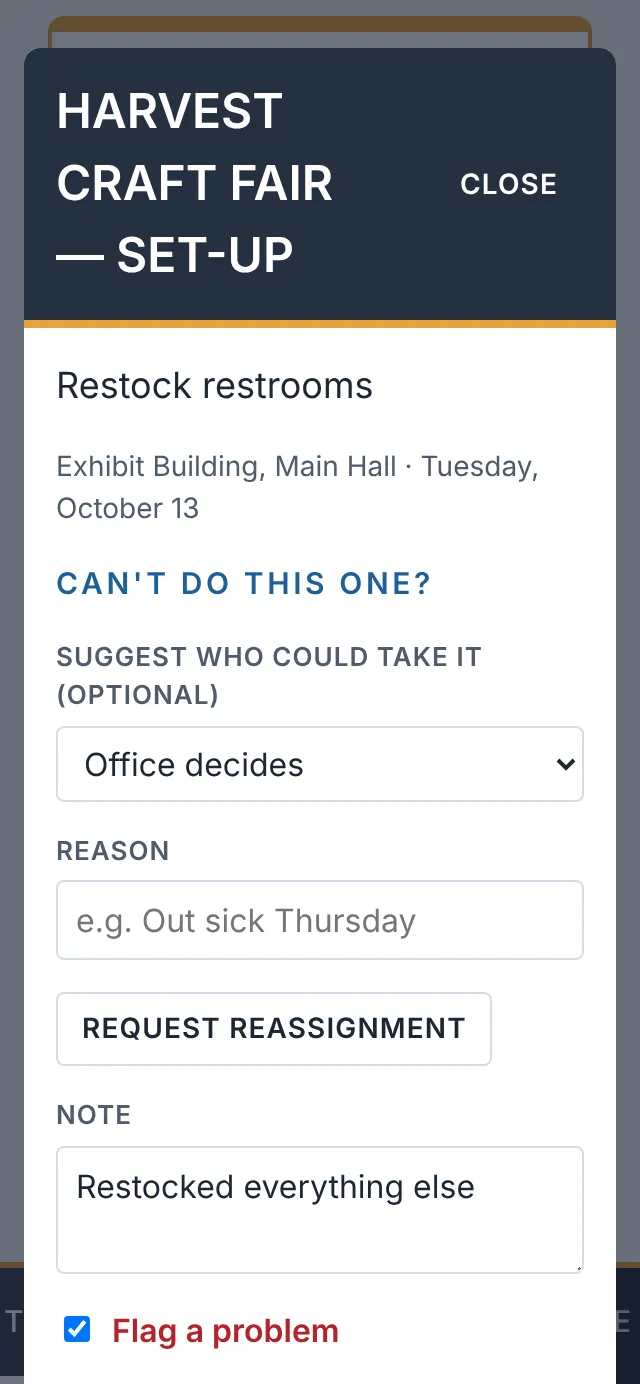
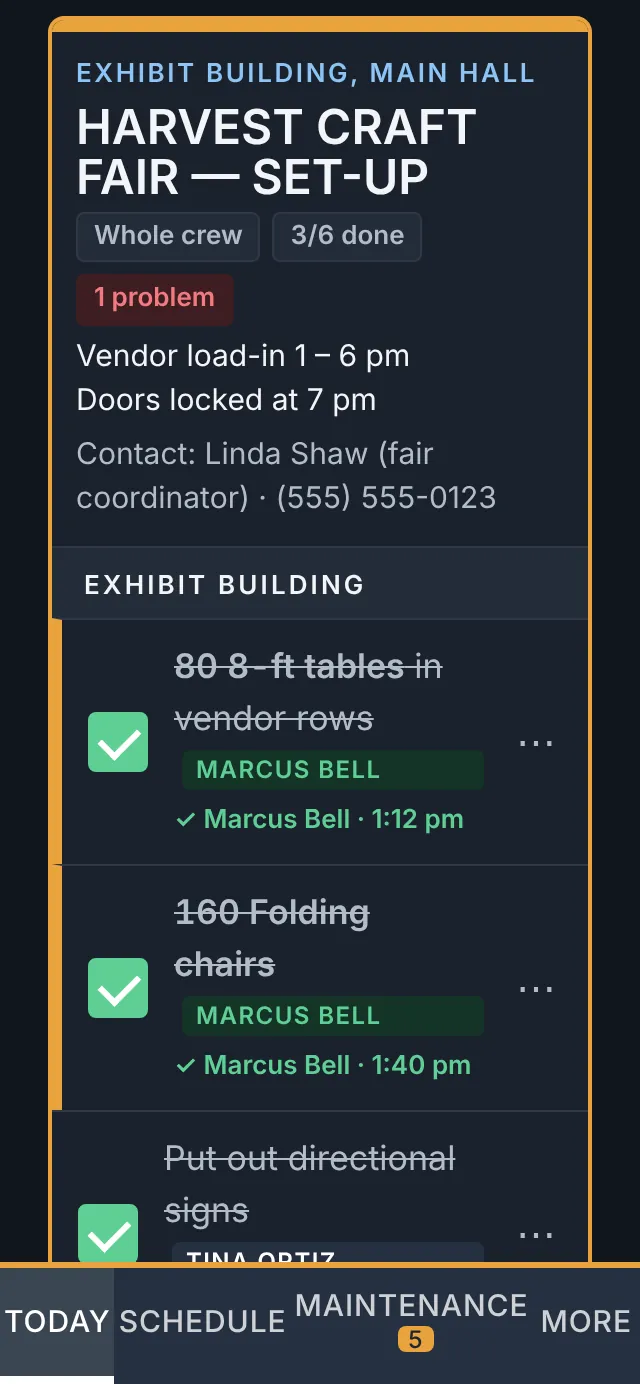
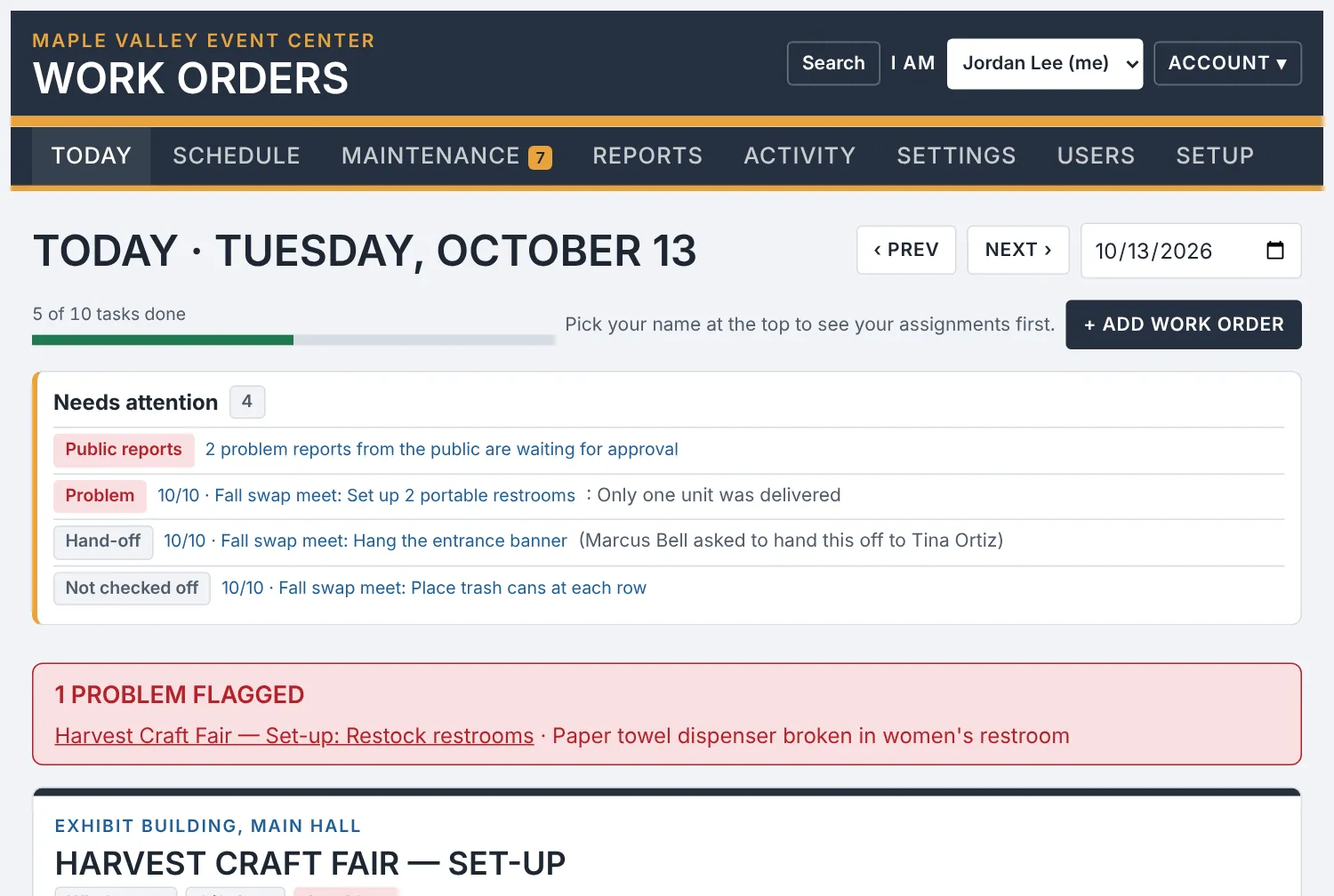
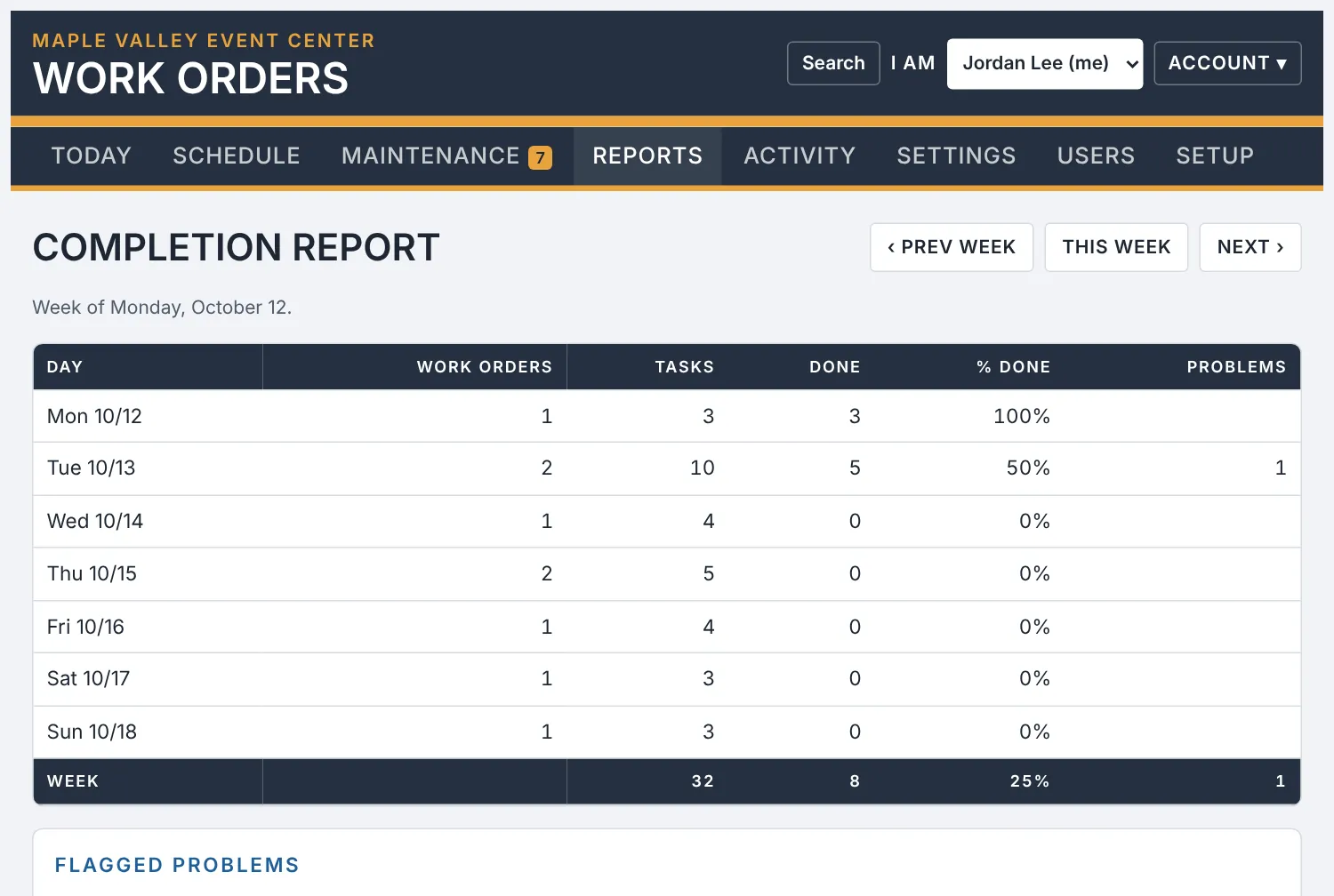
Work order software replaces paper sheets, whiteboards and group texts with one shared list of jobs. The office schedules the work and assigns it, the crew checks off tasks on their phones, and everyone can see what is done, what is open and what is broken.
Do we need a CMMS, or is simpler work order software enough?
A CMMS is built for plants and large maintenance departments, with asset hierarchies, meters and purchase orders. If your team sets up rooms, fixes things and keeps the grounds tidy, you probably need less. CROWMA Work Orders is a simple CMMS alternative: schedules, checklists, repairs and reports, without the training or the IT project.
Does my crew need to install an app?
No. They open a web address on their phone and sign in. They can add it to the home screen so it opens like an app, on iPhone and Android.
Does it work with no cell signal?
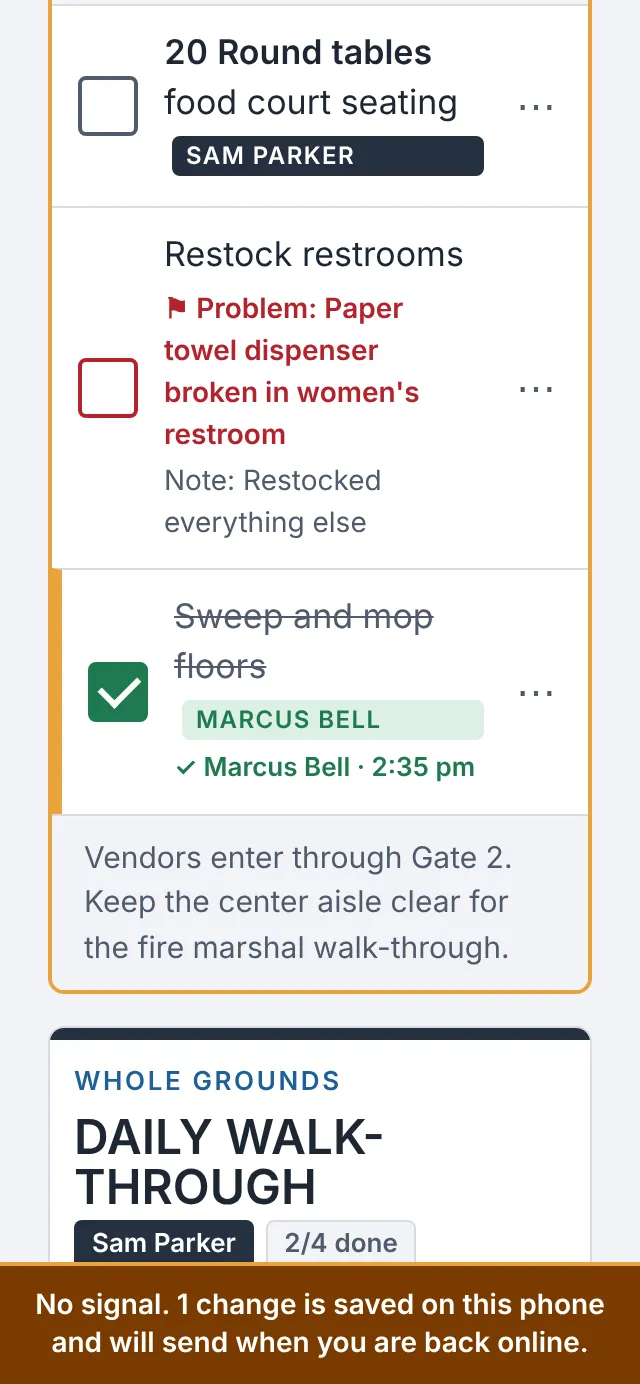
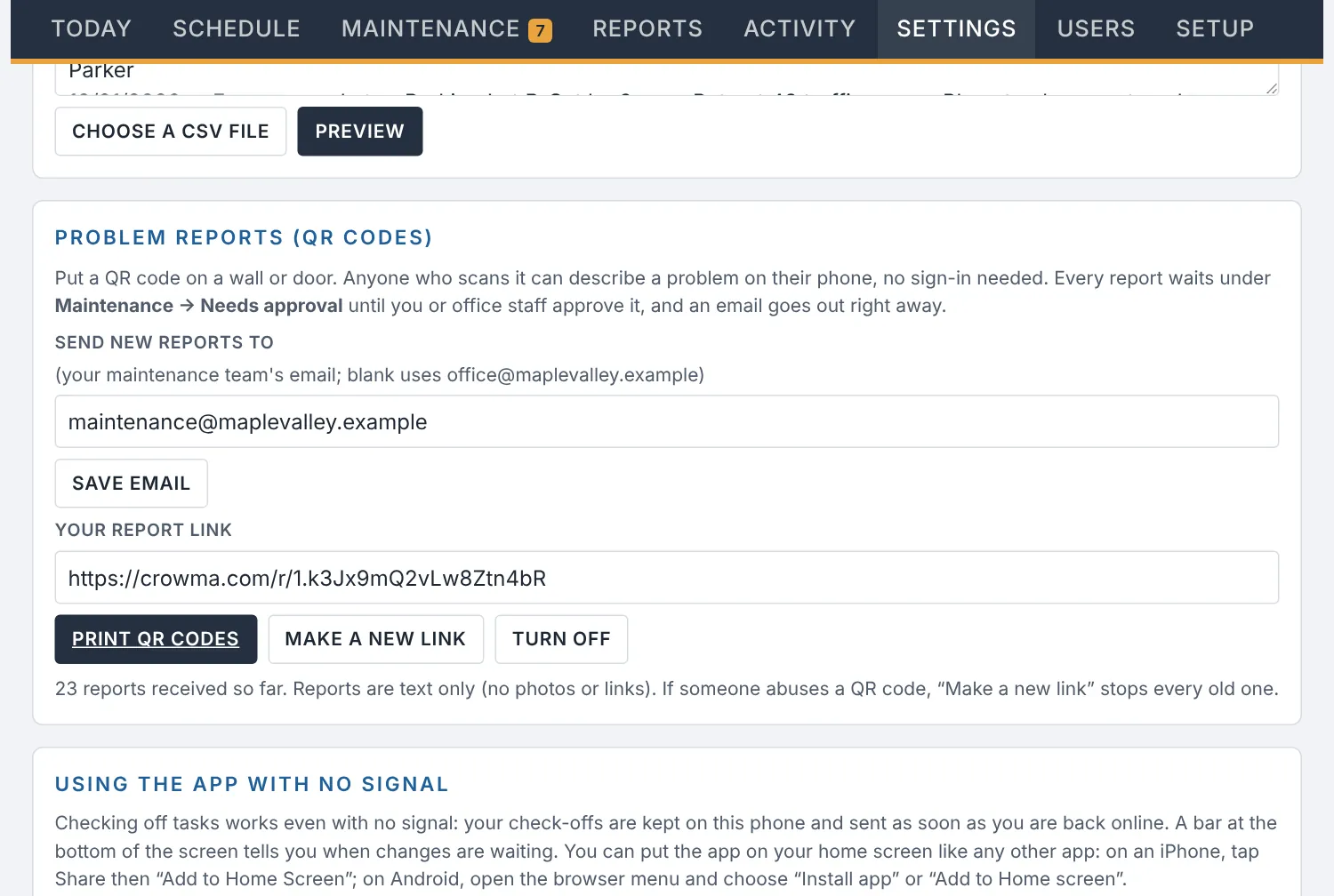
Yes. Check-offs, notes and problem flags are saved on the phone and sent in order when the signal returns. A bar tells the person what is waiting, and a newer change from someone else is never overwritten.
How do new people learn the app?
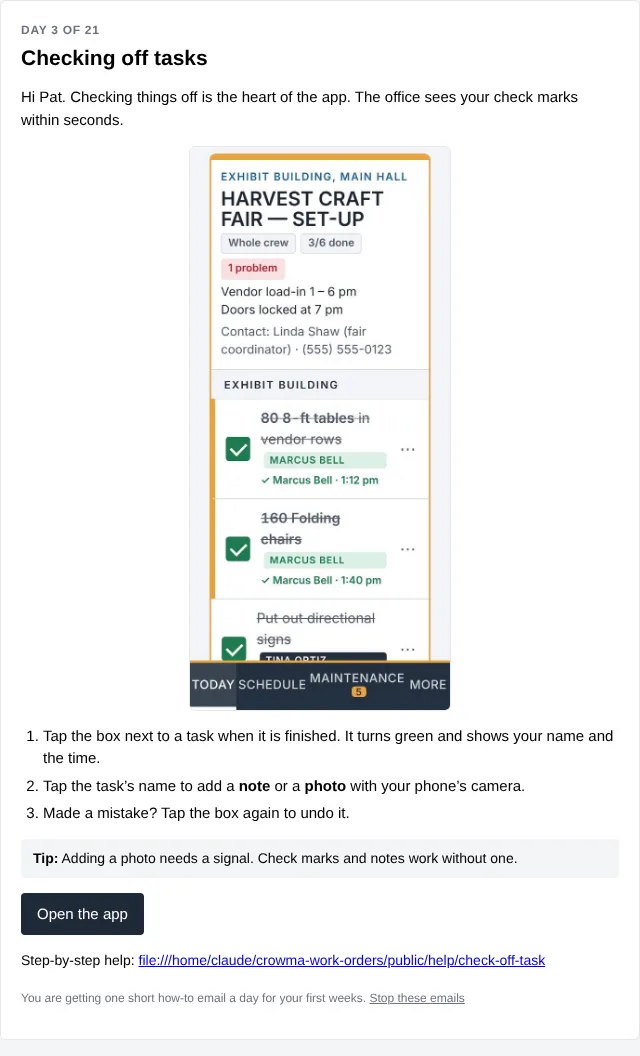
Each new person gets one short how-to email a day for their first weeks, with a screenshot and a link to the full steps. Owners get 21 emails, office staff 18 and crew 10, so people only hear about what their access level can do. Anyone can stop the emails with one click, and the Help pages answer the same questions any time.
Can the public or visitors report problems without logging in?
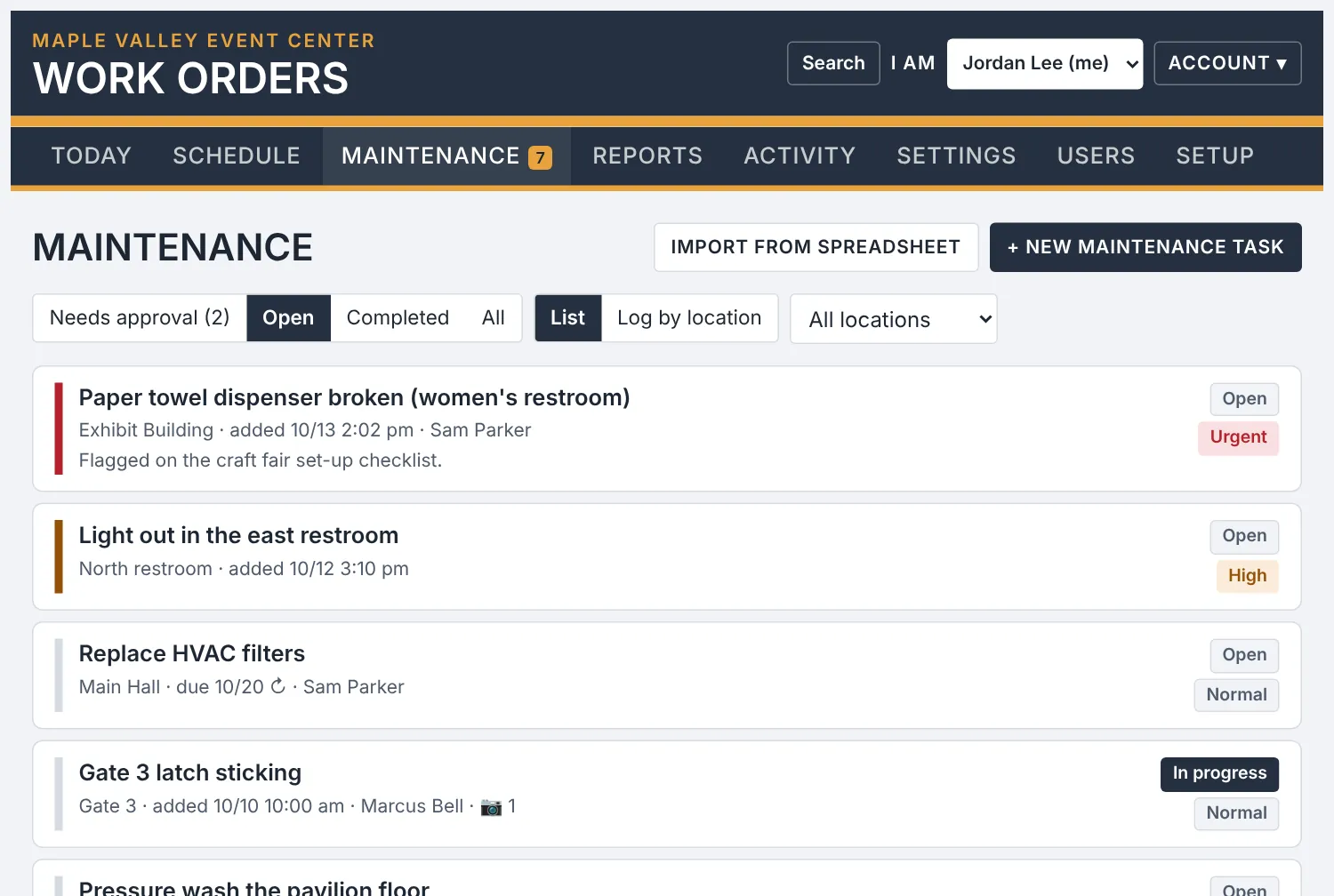
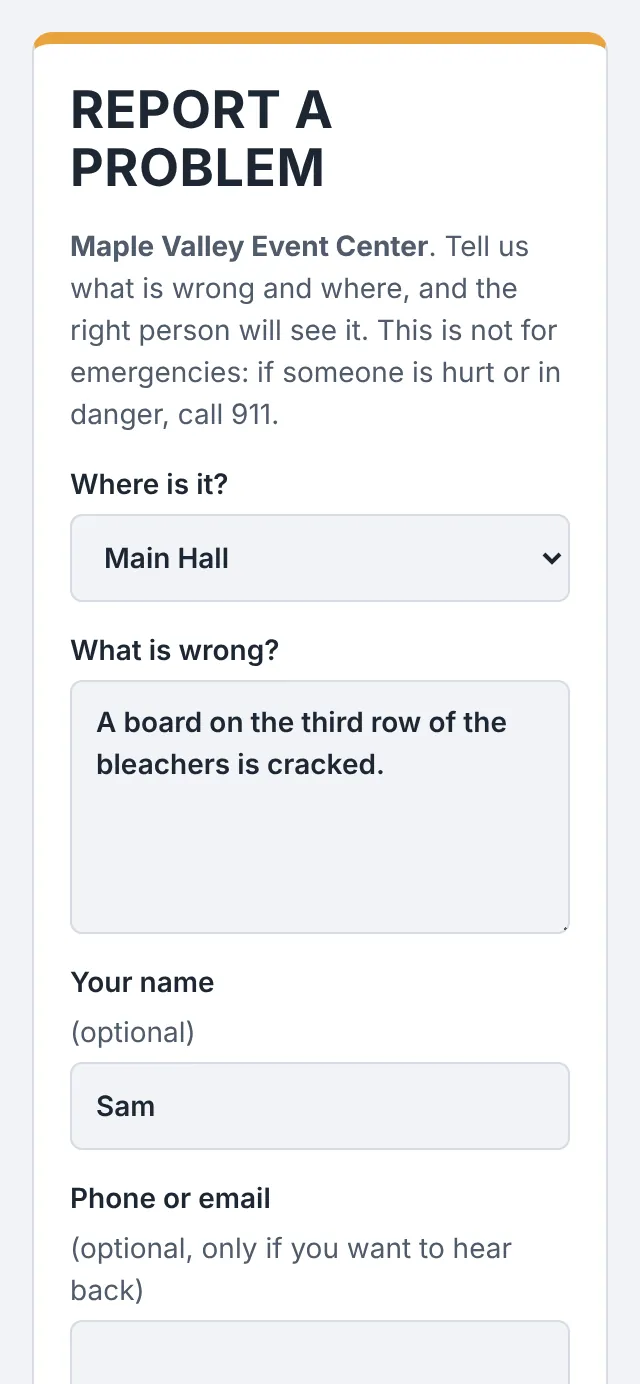
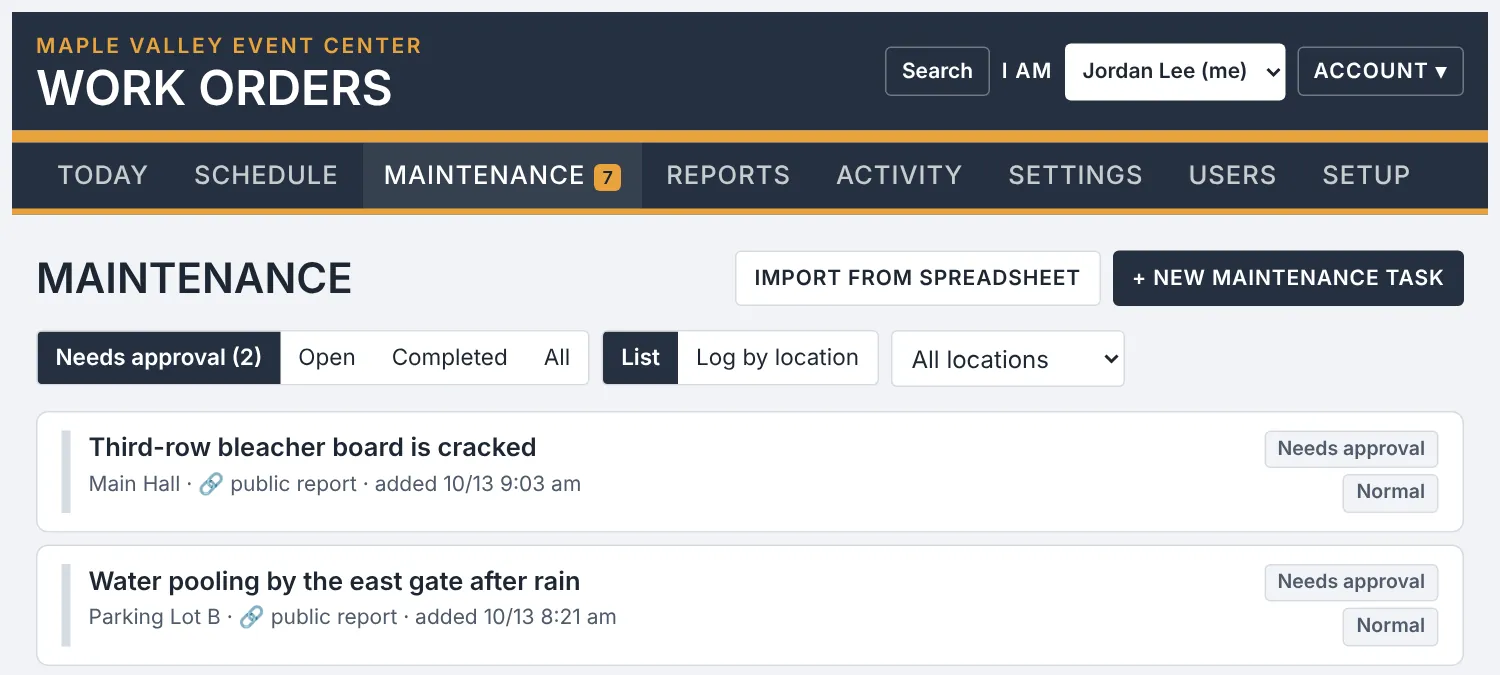
Yes. Turn on problem reports, print a QR code sign for each building or area, and anyone who scans it can describe a problem on their phone. Every report waits in a Needs approval list under Maintenance until office staff approve it, and an email goes to your maintenance team right away. Hidden-field traps, single-use timed forms and rate limits keep spam out.
Can it read our booking calendar?
Yes. Paste the calendar link from Google Calendar, Outlook or your booking software, and each booking appears as a work order marked Details needed, so you only add the checklist.
Can I import our schedule and lists from a spreadsheet?
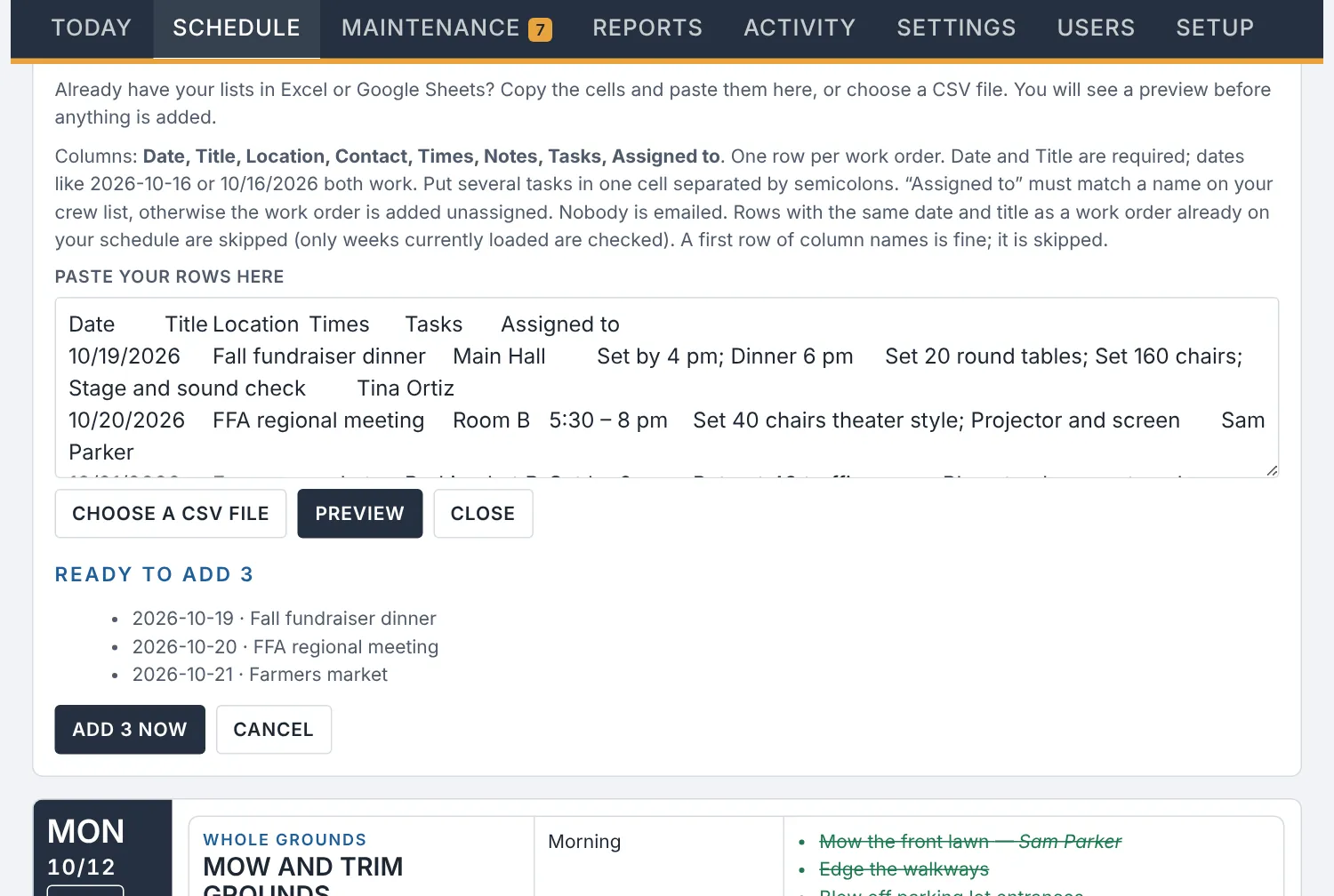
Yes. Copy cells from Excel or Google Sheets, or choose a CSV file, and preview before anything is added. You can import work orders, maintenance tasks, locations, your task checklist library and your crew list.
We have more than one building. Does that work?
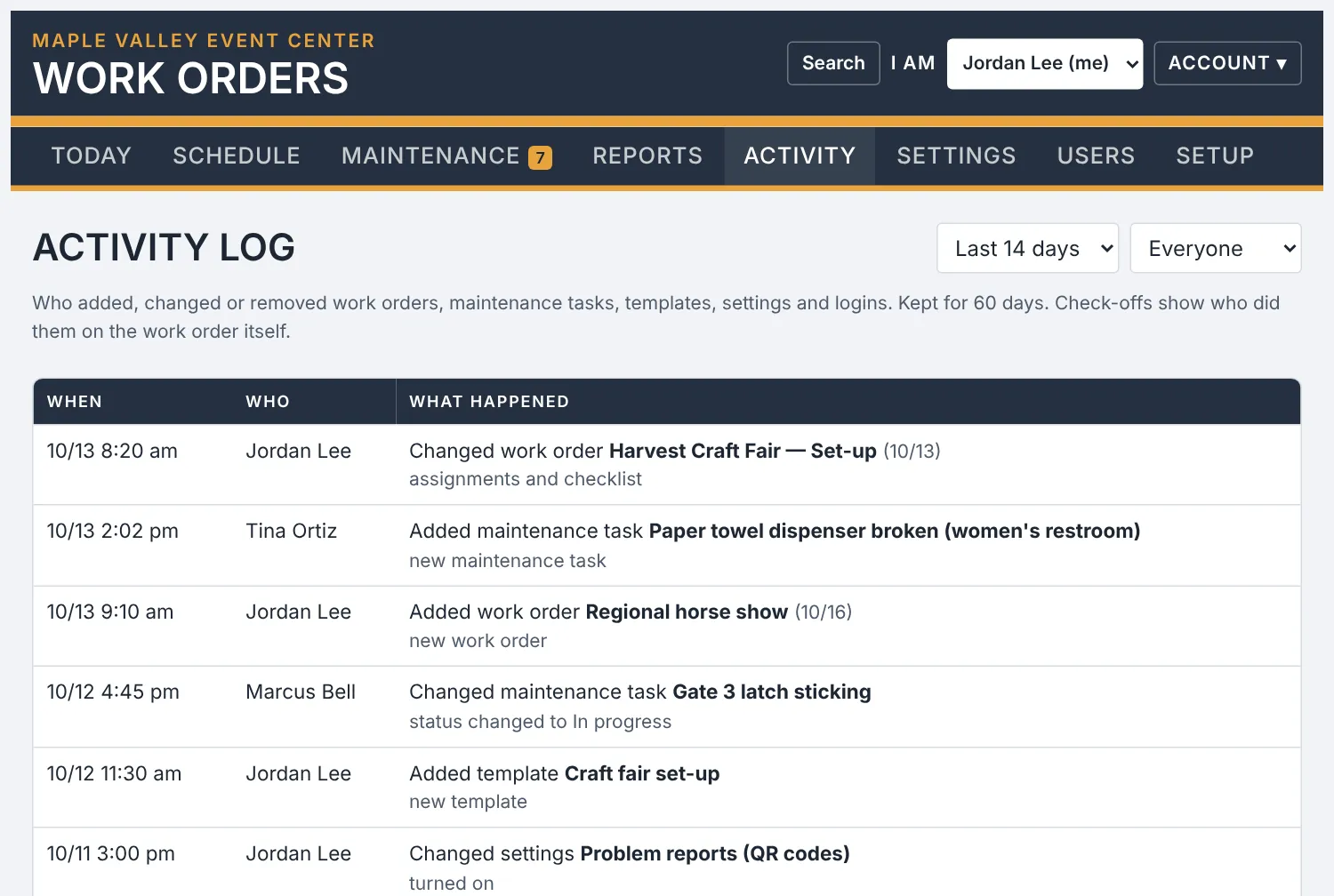
Yes. Add as many buildings and areas as you need and pick them on each work order. Repairs have a history by location, and you can search past work orders and maintenance tasks from any screen.
Can it send text messages?
Yes, if you want it to. You connect your own Twilio or Infobip account, and texts only go to people who agreed to get them. Assignment emails, a weekly schedule email and a daily summary of changes are built in.
How much does it cost?
CROWMA Work Orders costs $39 per month or $390 per year. That includes unlimited logins, so seasonal help never adds a fee. You can try everything free for 30 days, with no credit card needed.
What happens to our information if we stop?
You can download a complete backup of your work orders, repairs, notes and photos at any time, including before you leave. Each organization’s records are kept separate, owners and office staff sign in with two-step codes, and nightly backups are kept for you.